MICTMICT

Prompt writing guide

AI Video Prompt Guide

Write clearer prompts for AI video generation. This guide shows how to describe subject, motion, camera, lighting, style, format, and constraints so MICT can produce more useful first drafts.

Cinematic AI video prompt guide still

What is an AI video prompt?

An AI video prompt is a written instruction that tells a video model what to generate, including subject, scene, action, motion, camera, lighting, mood, and output format. Better prompts reduce ambiguity, but the final clip still depends on model behavior, settings, input images, and provider limitations.

How to write an AI video prompt

A good video prompt reads like a compact shot brief rather than a keyword list.

1

Name the main subject

State the person, product, object, creature, place, or visual idea that should stay central in the frame.

2

Define the action

Describe what moves, what changes, and what should remain stable during the clip.

3

Add camera direction

Use concrete motion such as slow push-in, handheld drift, orbit, macro close-up, aerial glide, or static locked-off shot.

4

Set visual style and lighting

Describe realism, animation style, color palette, lens feel, lighting, time of day, and mood without overloading the prompt.

5

Match the output format

Choose aspect ratio, duration, model, quality, and resolution based on the channel you are testing.

Prompt patterns for common AI video jobs

Use these workflows when speed matters, but the clip still needs a clear creative direction.

Ad hook prompts

Focus on the first visual beat, benefit angle, audience, pace, and platform format.

Product prompts

Use image-to-video when possible, then describe camera movement, reflections, surface detail, and final hold.

Story prompts

Keep the scene short and describe one main action instead of asking for a full plot.

Style prompts

Describe visual language with camera, lighting, medium, texture, and mood rather than vague quality words.

AI video prompt examples

Start with a specific prompt, then change one variable at a time: model, duration, camera motion, or aspect ratio.

Try this workflow
Clear text-to-video prompt example

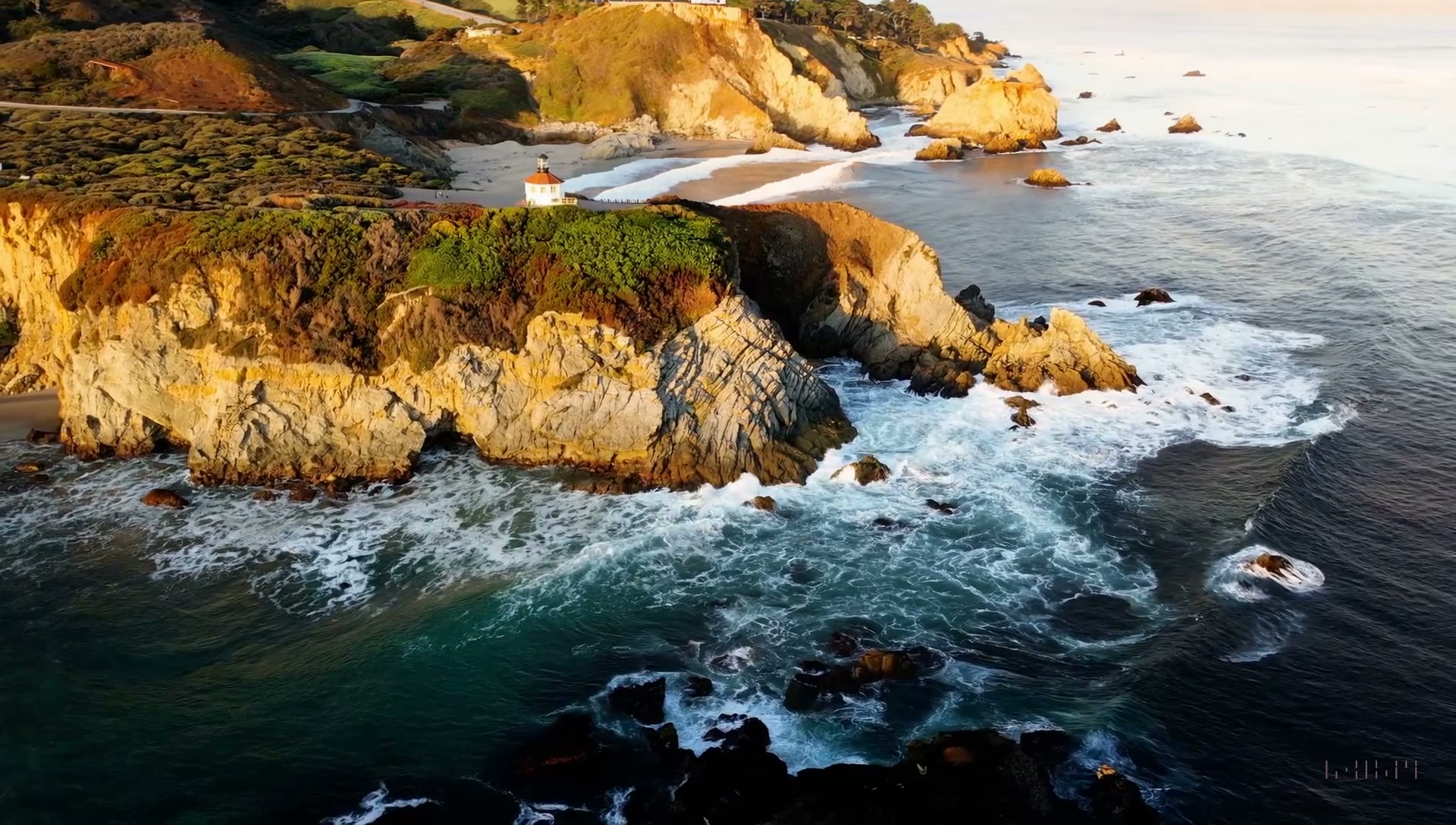
Clear text-to-video prompt

A cinematic aerial shot of a rugged coastline at sunrise, waves crashing below, slow forward drone movement, warm golden light, calm travel-film mood.

Wan 2.6, 16:9, 10 seconds

Clear product AI video prompt example

Clear product prompt

Slow macro push-in on a skincare bottle, soft reflections moving across glass, clean beige studio background, premium beauty ad mood, steady final product hold.

Kling 3.0, 16:9, 10 seconds

Clear image-to-video prompt example

Clear image-to-video prompt

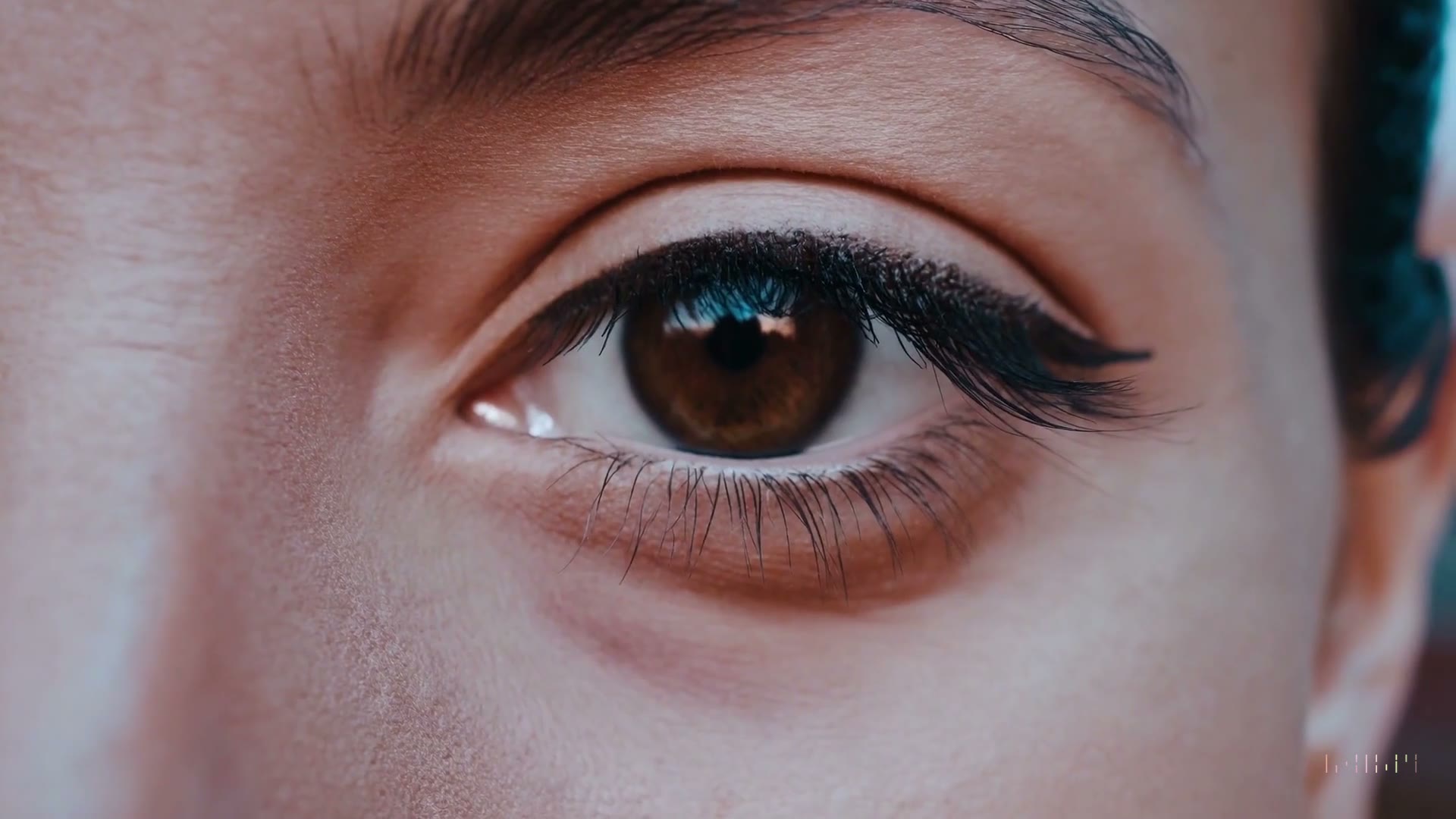
Keep the face composition close to the reference image. Add a subtle blink, gentle handheld camera drift, warm sunset light, and cinematic portrait texture.

Kling 3.0, 16:9, 10 seconds, image-to-video

AI video prompt checklist

Pick the workflow that matches the asset you already have.

ScenarioGuidance
SubjectWho or what should be the main focus of the clip?
ActionWhat moves during the clip, and what should stay stable?
CameraShould the shot push in, orbit, drift, glide, zoom, or stay locked?
StyleWhat lighting, lens feel, medium, texture, and mood should guide the output?
ConstraintsWhat must not change, and what details need manual review after generation?

Frequently asked questions

Short answers for creators comparing AI video workflows.

What makes a good AI video prompt?

A good AI video prompt gives the model a clear shot brief: subject, setting, action, camera movement, lighting, style, and output goal. It avoids asking for several unrelated events in one short clip. The best prompt still needs review because model output can vary by settings, provider constraints, and source material.

Should I write long or short AI video prompts?

Short prompts are often easier to control, but they must include the important visual decisions. A practical range is one detailed paragraph that names the subject, action, camera, lighting, and mood. If the first result is close, change one variable at a time instead of rewriting the entire prompt.

How do I prompt for image-to-video?

For image-to-video, the image should do most of the subject description. The prompt should focus on motion, camera behavior, mood, and what must stay close to the reference. Avoid rebuilding the entire scene in text because that can compete with the uploaded image and reduce consistency.

How do I prompt for marketing videos?

Start with the campaign job and audience, then describe the first visual hook. Include product category, benefit angle, platform format, pace, and camera movement. Avoid unsupported performance claims in the video concept. Review the output for brand accuracy, rights, platform policy, and provider limitations before using it publicly.

Why did my AI video ignore part of the prompt?

AI video models may ignore details when a prompt is overloaded, contradictory, or too hard for the selected duration and format. Provider limits, model behavior, and source image complexity also matter. Simplify the scene, keep one main action, choose the right mode, and rerun with one controlled change.

Ready to test it?

Open MICT Studio with the right mode selected, then generate your first version.