What is image to video?
Image to video is an AI generation workflow that turns a still image into a moving clip. The uploaded image anchors the subject, composition, or style, while the prompt describes motion, camera behavior, and the final feel.
 MICT
MICTAI video creation
Animate product photos, character art, design mockups, and visual references into short AI-generated clips. MICT keeps the source image at the center while you guide motion, camera, and format.
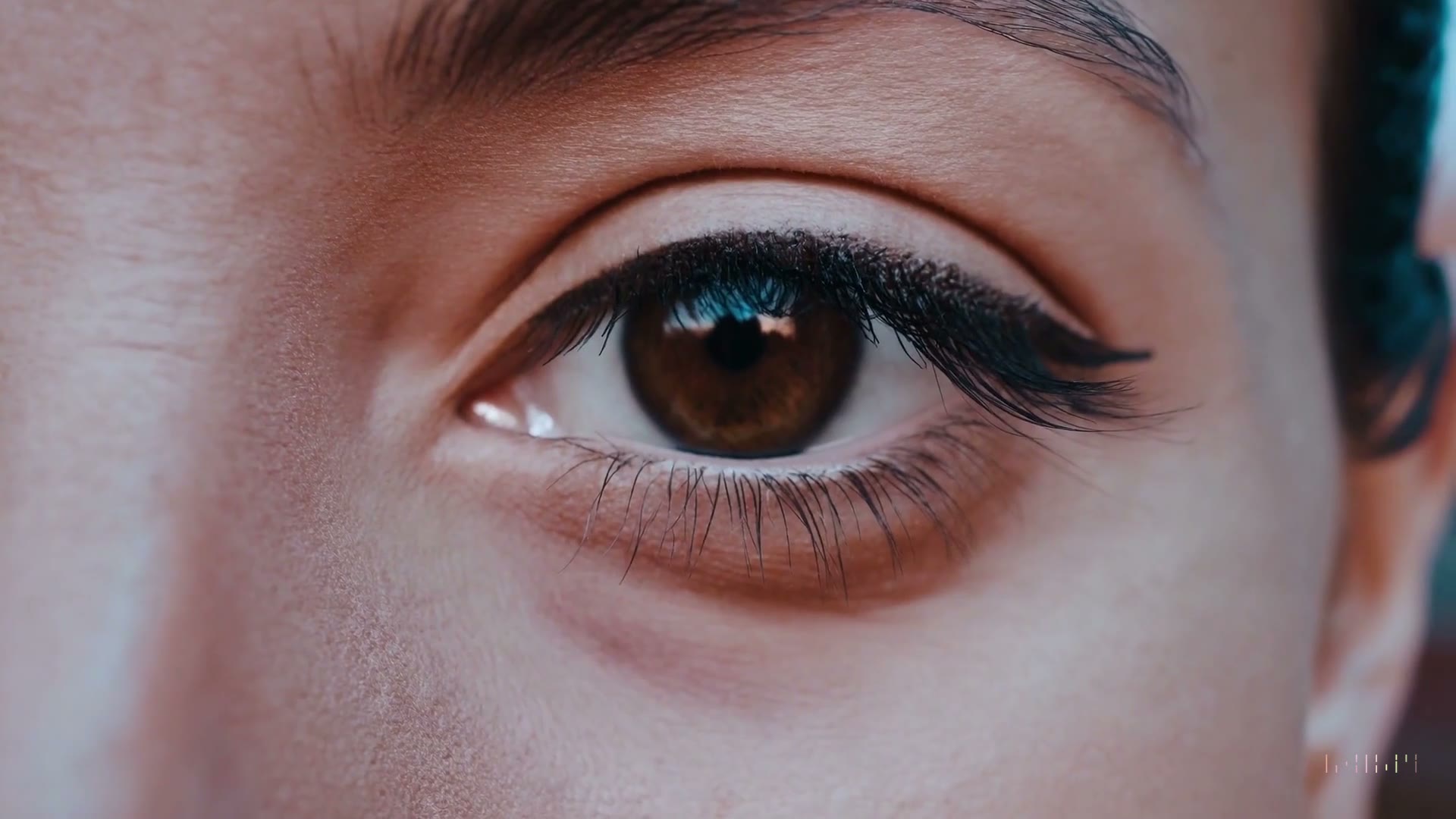
Image to video is an AI generation workflow that turns a still image into a moving clip. The uploaded image anchors the subject, composition, or style, while the prompt describes motion, camera behavior, and the final feel.
Image-to-video works best when the reference image is clear and the prompt focuses on movement rather than rebuilding the whole scene.
Use a product photo, illustration, mockup, character image, or key frame with the subject clearly visible.
Tell the model what should move, how the camera should behave, and what mood the clip should carry.
Choose a model, aspect ratio, duration, quality, and resolution that match the channel you are designing for.
Review whether the subject stayed consistent, then adjust the prompt or settings for a cleaner second pass.
Use these workflows when speed matters, but the clip still needs a clear creative direction.
Animate packaging, mockups, product shots, and ecommerce visuals for launch pages or short ads.
Bring mascots, concept art, avatars, and story characters into motion while preserving the design direction.
Use one strong visual frame to pitch camera movement, mood, scene transitions, and campaign tone.
Turn static visuals into short vertical or horizontal clips for posts, reels, story ads, and creator briefs.
Start with a specific prompt, then change one variable at a time: model, duration, camera motion, or aspect ratio.
Subtle blink, gentle handheld camera drift, warm magic-hour light, cinematic 70mm portrait texture.
Kling 3.0, 16:9, 10 seconds
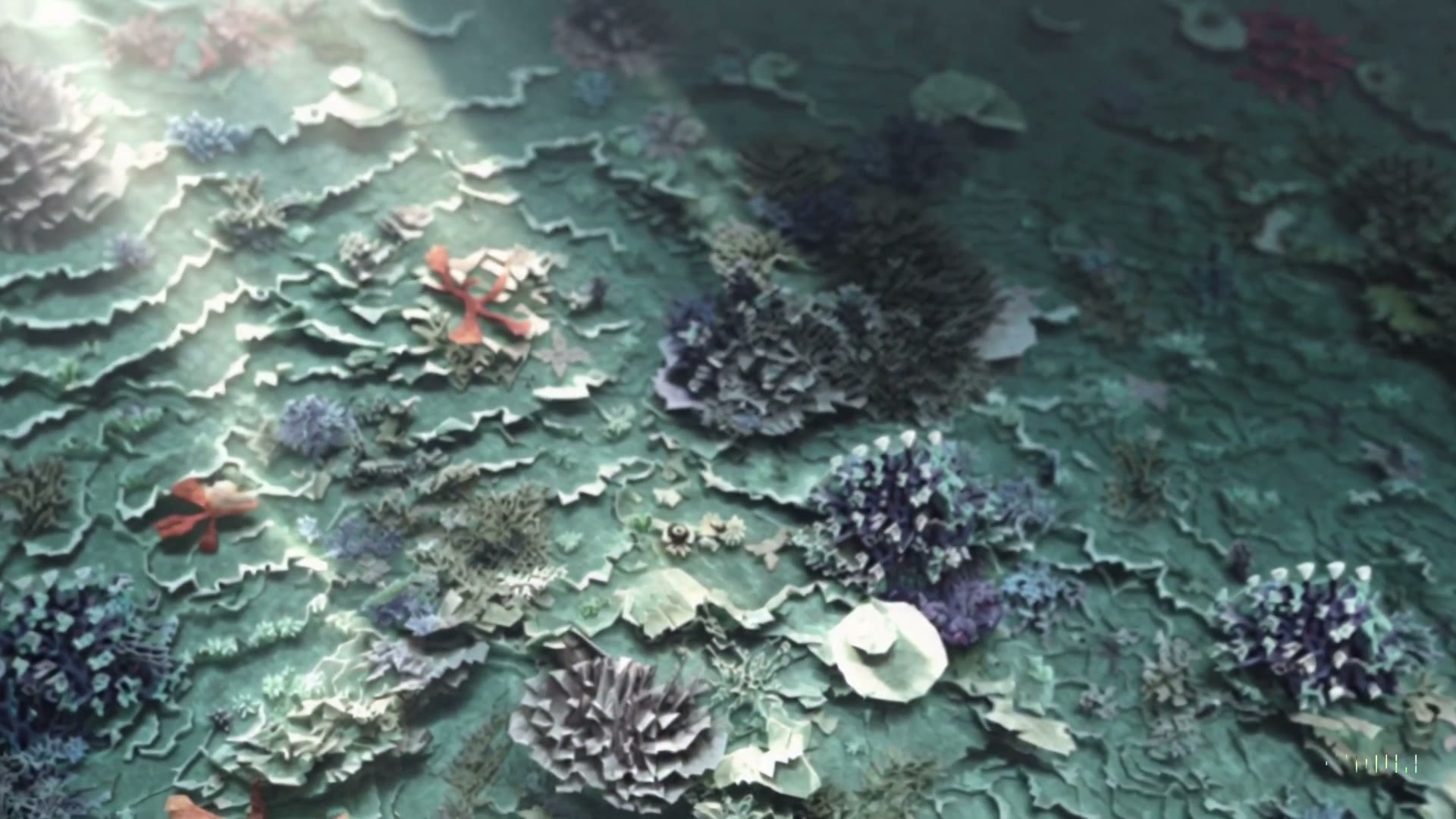
Slow macro push-in, soft reflections moving across the surface, premium skincare ad mood, clean final hold.
Wan 2.6, 16:9, 10 seconds
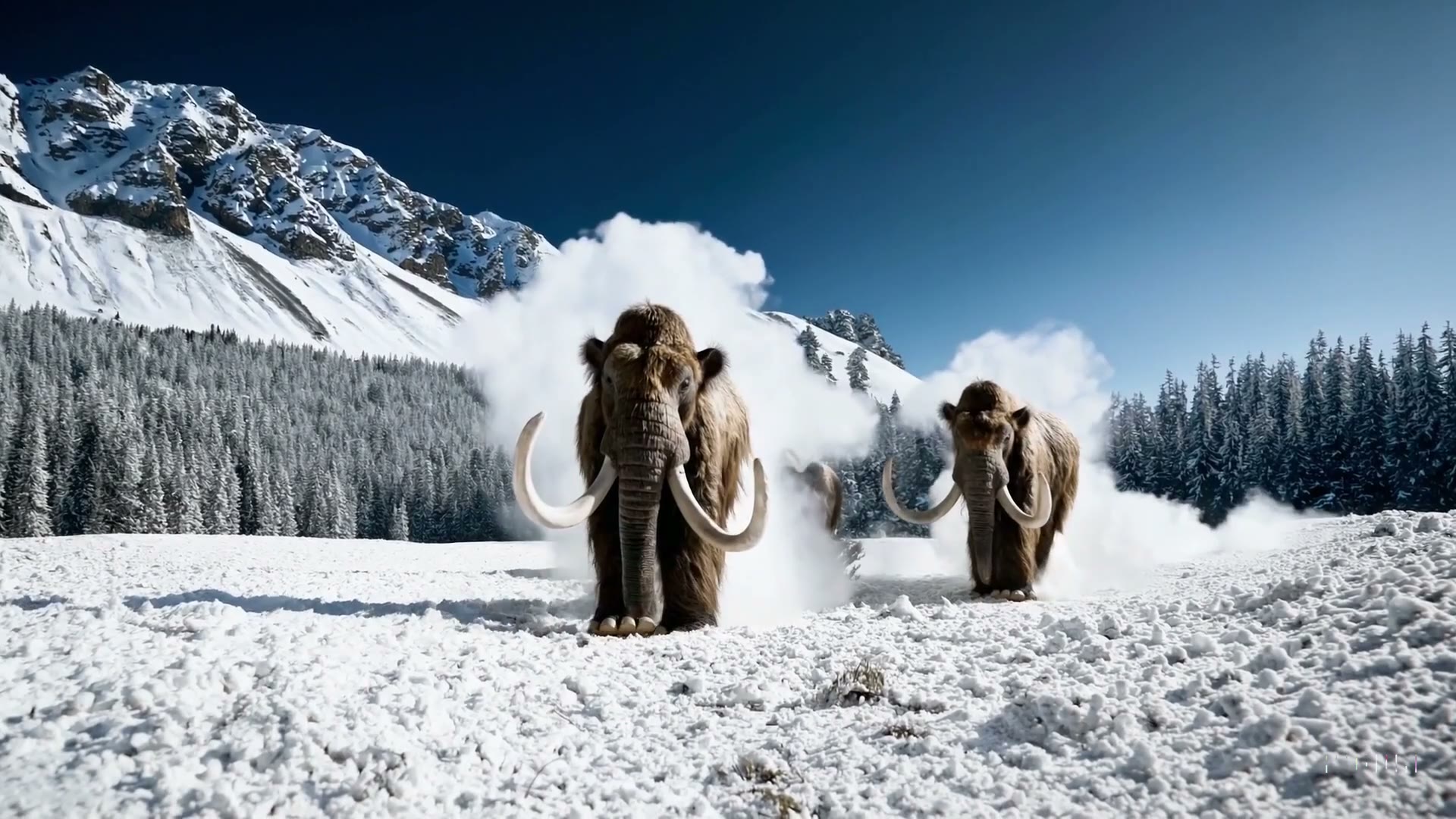
Snow moves in the wind, slow cinematic camera drift, dramatic mountains in the distance, documentary trailer mood.
Kling 3.0, 16:9, 15 seconds
Pick the workflow that matches the asset you already have.
Short answers for creators comparing AI video workflows.
Yes. MICT supports image-to-video generation, so you can upload a reference image and use a prompt to describe the motion you want.
Clear images with one main subject usually work best. Product photos, character art, mockups, and clean key frames give the model a stronger anchor.
The image helps preserve the source subject and composition, but AI video can still change details. For important brand assets, review each result before publishing.
MICT shows model availability inside the creation workspace. English users currently see Wan 2.6 and Kling 3.0 as the active model focus.
Open MICT Studio with the right mode selected, then generate your first version.