MICTMICT

Marketing video workflow

AI Video Generator for Marketing

Plan and produce short marketing video concepts from prompts or reference images. MICT helps marketers test launch teasers, social hooks, ad storyboards, and product motion ideas before committing to a full shoot.

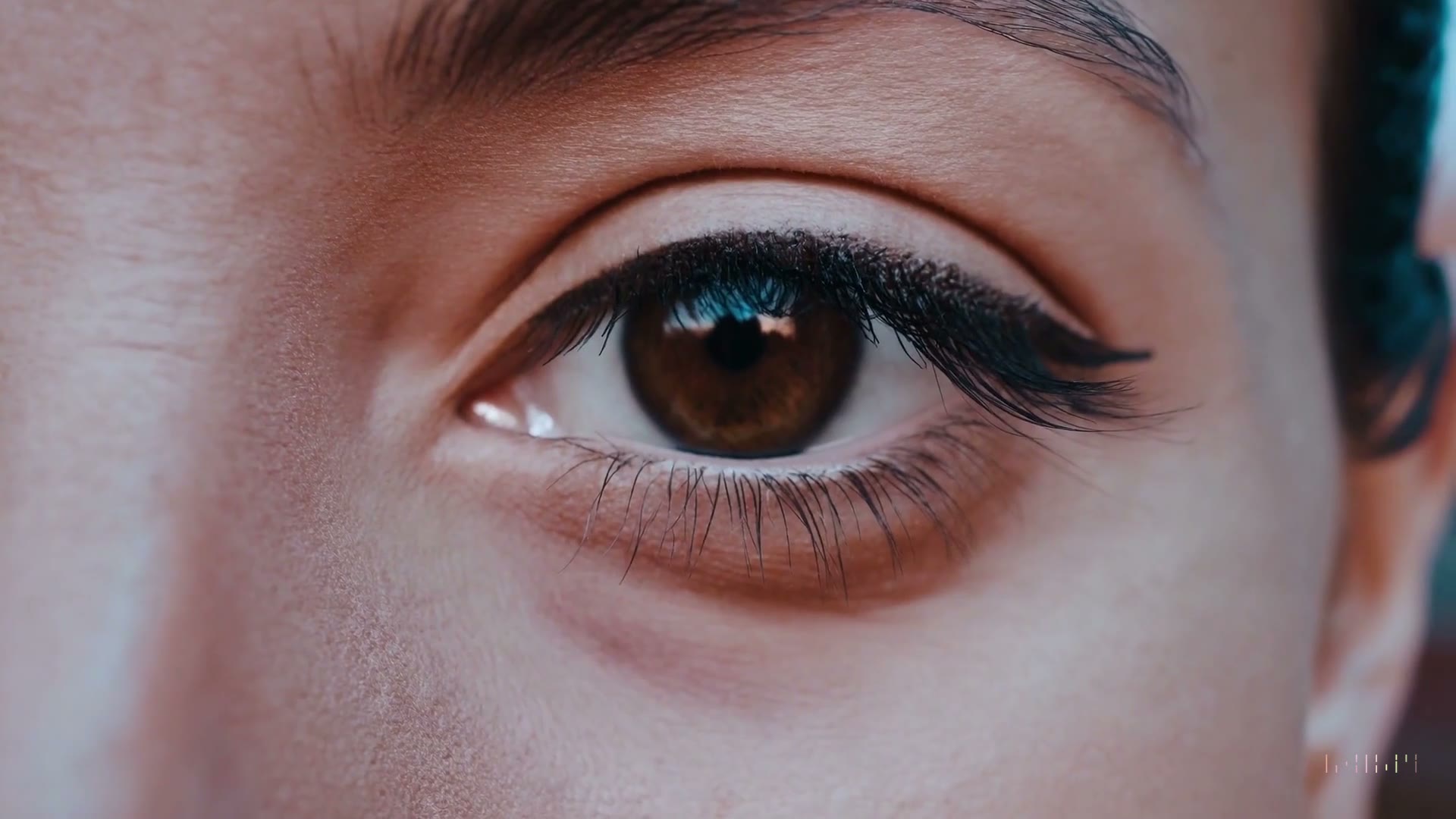
Surreal product marketing AI video still

What is an AI video generator for marketing?

An AI video generator for marketing is a tool that turns campaign ideas, product angles, scripts, or visual references into short video concepts. It is useful for testing hooks, storyboards, and creative directions, while final quality still depends on the model, prompt, settings, source assets, and provider limits.

How to create marketing videos with AI

Start with the business goal, then translate the message into a short scene the model can actually render.

1

Choose the campaign job

Decide whether the clip should sell a product, explain a feature, tease a launch, brief a creator, or test a paid social angle.

2

Write the visual hook

Describe the first three seconds clearly: subject, motion, camera, setting, audience, and emotional tone.

3

Pick a starting mode

Use text-to-video for new campaign concepts, or image-to-video when a product photo, key visual, or brand asset should stay central.

4

Select model and format

Compare Wan 2.6 and Kling 3.0, then choose aspect ratio, duration, quality, and resolution for the channel you plan to test.

5

Review against the brief

Check whether the clip communicates the offer, preserves important brand details, and works as a concept before using it externally.

Marketing use cases for AI video generation

Use these workflows when speed matters, but the clip still needs a clear creative direction.

Launch teasers

Generate short reveal shots, mood clips, and landing-page hero concepts before the full launch asset set is ready.

Paid social tests

Create multiple hook directions for TikTok, Reels, Shorts, and ad concept review without booking production immediately.

Creator briefs

Turn a campaign idea into a visual reference that creators, editors, and clients can understand quickly.

Storyboards

Convert scripts and product angles into moving boards for internal review, pitch decks, and agency feedback rounds.

Marketing AI video prompt examples

Start with a specific prompt, then change one variable at a time: model, duration, camera motion, or aspect ratio.

Try this workflow
Premium product reveal AI video prompt example

Premium product reveal

Macro product launch teaser for a matte black smart bottle on a reflective surface, slow push-in, soft rim light, premium tech ad mood, final clean packshot.

Wan 2.6, 16:9, 10 seconds, landing-page hero concept

Short-form social hook AI video prompt example

Short-form social hook

Creator-style vertical ad opening for a productivity app, fast desk setup transformation, energetic handheld camera, morning light, clear before-and-after feeling.

Kling 3.0, 9:16, 10 seconds, paid social concept

Campaign mood board AI video prompt example

Campaign mood board

Cinematic montage of small teams preparing a product launch at night, laptop glow, sticky notes, confident pacing, modern startup campaign mood.

Wan 2.6, 16:9, 10 seconds, storyboard reference

When marketing teams should use MICT

Pick the workflow that matches the asset you already have.

ScenarioGuidance
Best fitConcept videos, launch teasers, ad hooks, creator briefs, and early storyboards.
Starting assetA script, campaign angle, product photo, mockup, reference image, or creative brief.
Model choiceTest Wan 2.6 and Kling 3.0 side by side when style, motion, or format matters.
Review standardCheck brand accuracy, claim safety, product detail, usage rights, and provider policy limits before publishing.
Not ideal forRegulated claims, guaranteed product fidelity, final legal approvals, or videos that require exact human likeness control.

Frequently asked questions

Short answers for creators comparing AI video workflows.

Can AI video generation replace a marketing video team?

AI video generation is better treated as a concept and production-assist workflow, not a full replacement for strategy, brand review, editing, or legal approval. MICT can help teams test visual hooks, storyboards, and short clips faster. Final quality depends on the prompt, selected model, settings, source assets, and provider limits.

What marketing videos can I make with MICT?

MICT is best suited for short launch teasers, social ad concepts, creator briefs, product mood clips, and storyboard references. It can start from text prompts or reference images. For customer-facing campaigns, review every output for brand accuracy, policy compliance, usage rights, and whether product details remained acceptable.

Which MICT model should marketers start with?

Most marketers should test both Wan 2.6 and Kling 3.0 when the campaign depends on motion style or format. Wan 2.6 can be a strong starting point for polished cinematic concepts, while Kling 3.0 is useful for short-form experimentation. Availability and exact settings are shown in the Studio.

How specific should a marketing video prompt be?

A useful prompt should include the audience, product type, scene, camera movement, lighting, mood, and the job of the clip. Avoid asking for too many unrelated actions in one generation. For product or brand-sensitive work, use image-to-video with a clear reference asset and review the result carefully.

Can I use MICT clips in paid ads?

MICT is built for creator and business workflows, but paid ad usage still requires your own review. Check MICT terms, provider restrictions, brand guidelines, platform ad policies, and any rights related to uploaded assets. Outputs should also be checked for accuracy before they represent a product, price, claim, or customer outcome.

Ready to test it?

Open MICT Studio with the right mode selected, then generate your first version.